VELOCITY
How hard, from 0 to 127
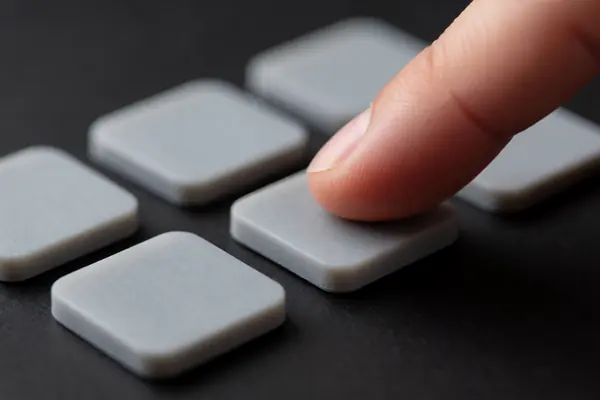
A Note On message carries a velocity from 0 to 127, where 127 means the most force. A velocity of 0 counts as a Note Off.
Read a velocity soundboardpads
00HOW PADS TALK
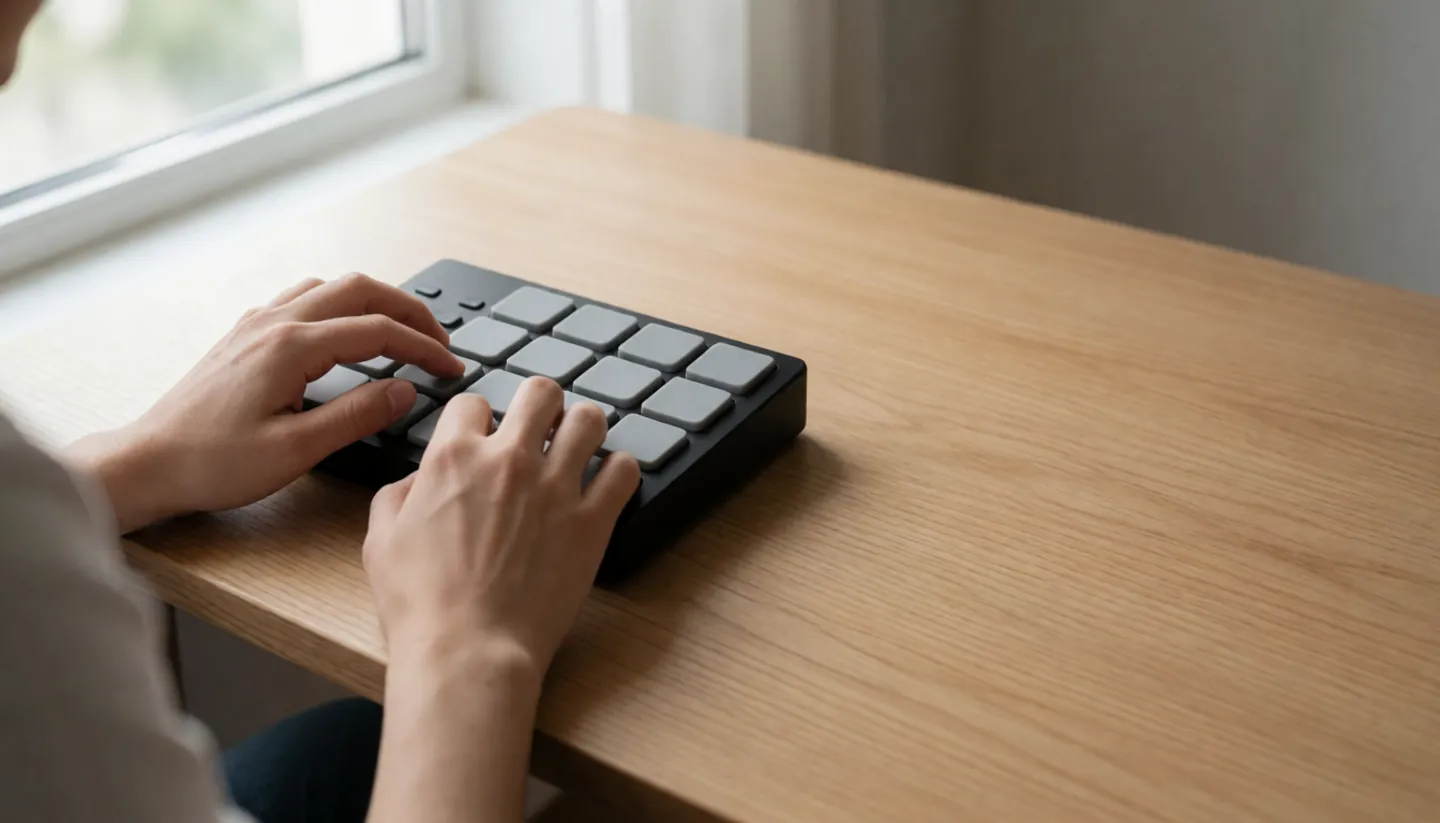
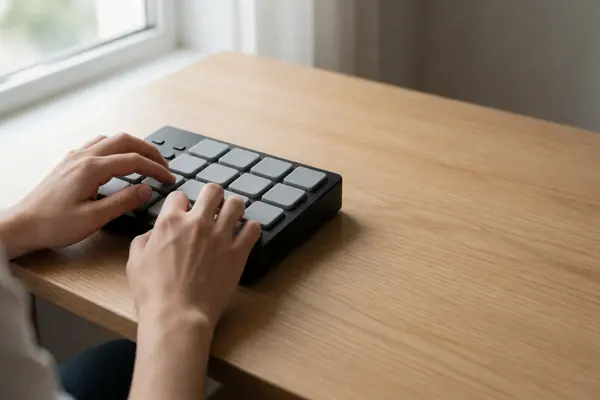
A pad controller makes no sound of its own.
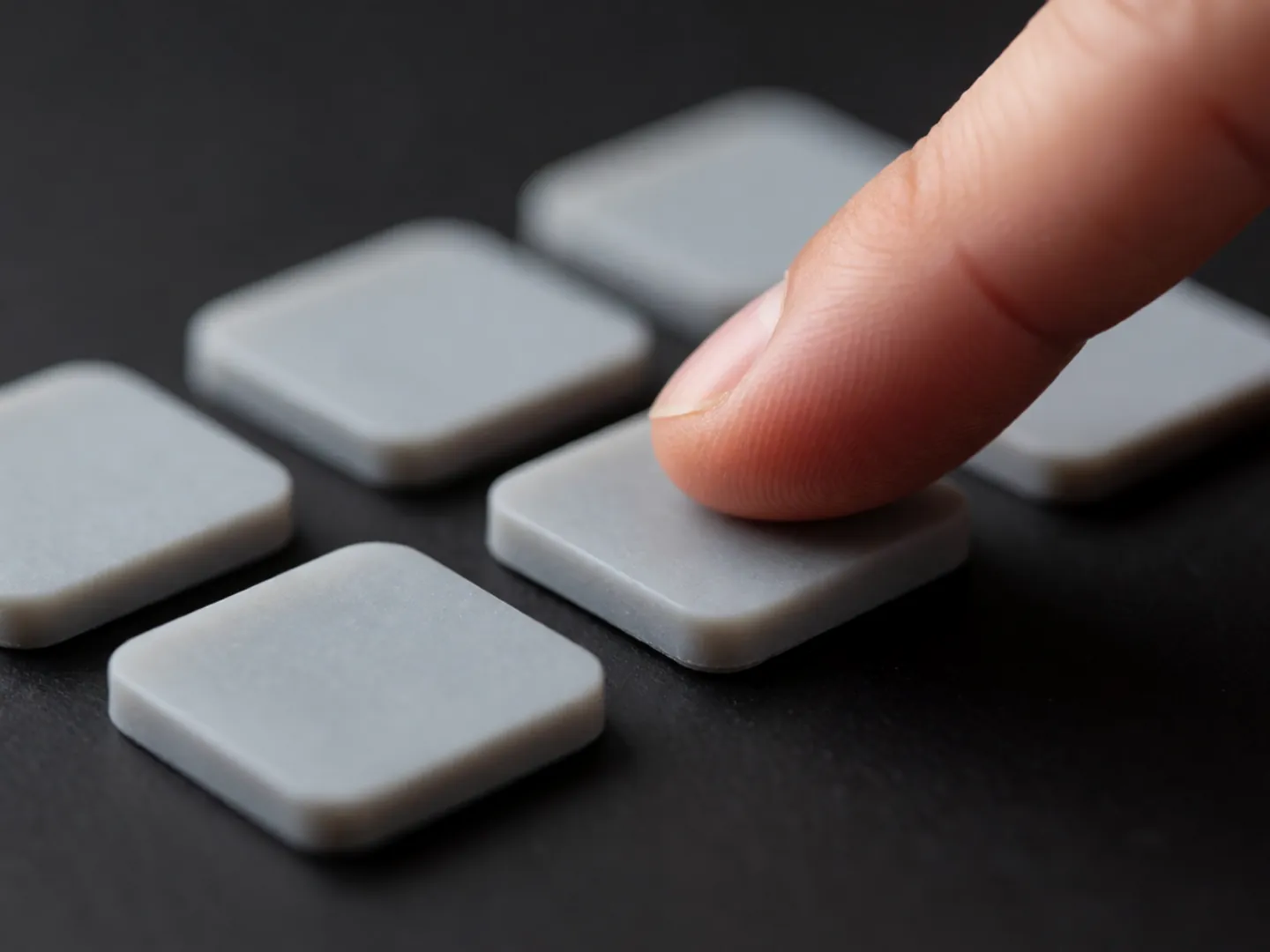
When you hit a pad it sends a short MIDI message: which note, on which channel, and how hard. The instrument or app on the other end decides what that sounds like.
Read a velocity01Principles
02THE SHORT ANSWER
MIDI messages are instructions,
not recordings of audio.
VELOCITY
A Note On message carries a velocity from 0 to 127, where 127 means the most force. A velocity of 0 counts as a Note Off.
Read a velocityTHE DRUM MAP
General MIDI reserves channel 10 for percussion, so note 36 plays a bass drum and 38 an acoustic snare on any GM sound module.
See the numbersTHE CABLE
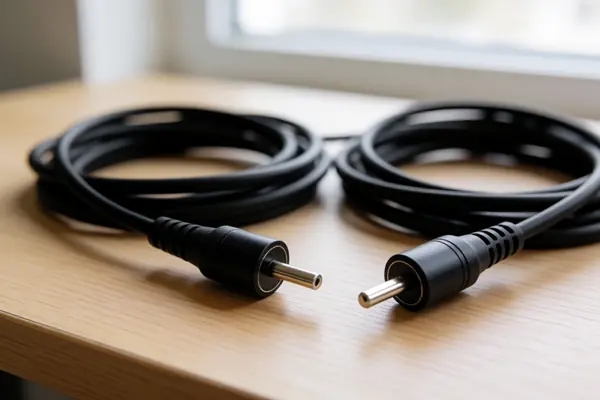
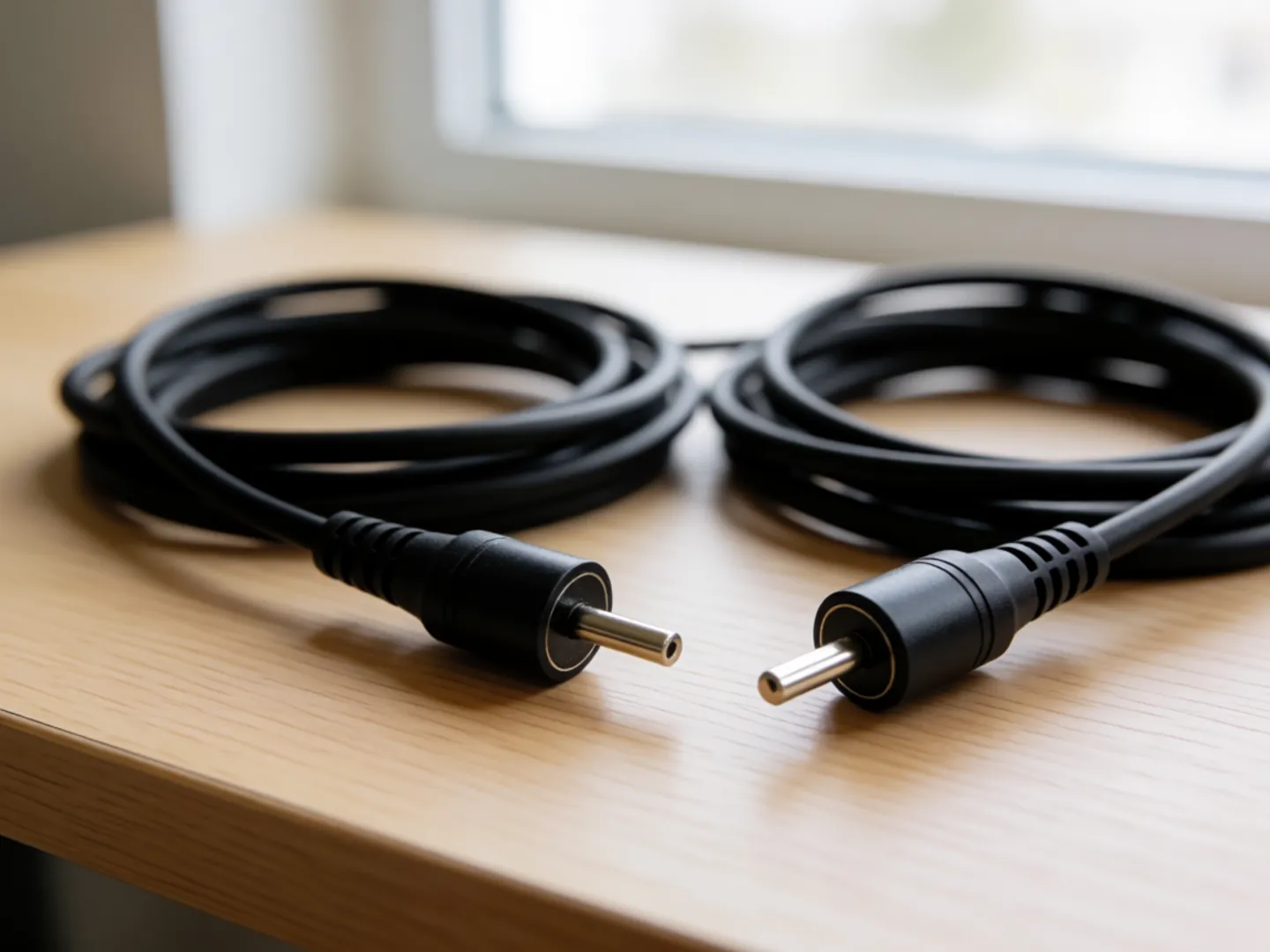
The original MIDI link uses a 5-pin DIN connector, with separate In and Out sockets. One output drives one input.
Follow a hit03READ A VELOCITY
Pick a velocity value you might see in a music app's note editor. The bar shows how much force it stands for.
Based on the MIDI 1.0 message descriptions and MIDI.org's 2026 overview of MIDI 2.0. How a sound responds is up to each instrument.
04TWO NUMBERS WORTH KNOWING
One figure from MIDI 1.0,
one from MIDI 2.0.
128 steps
Possible note numbers and velocities
MIDI 1.0 numbers notes from 0 to 127, with middle C at 60, and velocity runs over the same 0 to 127 range. MIDI.org notes most of its channel messages were limited to 7-bit data.
MIDI 1.0 · 1983
≈ 65,000 steps
Velocity steps in MIDI 2.0
MIDI 2.0 encodes note velocity with 16-bit resolution. MIDI.org describes it as an extension of MIDI 1.0 that keeps the same notes, channels and controllers.
MIDI 2.0 · MIDI.ORG
The first MIDI link sends 31.25 thousand bits a second, at 320 microseconds per byte, so a three-byte Note On takes under a thousandth of a second on the wire.
05ONE HIT, STEP BY STEP
This is what happens in the instant after you tap a pad mapped to a snare drum, using the original MIDI 1.0 message.
The controller turns how hard you struck into a velocity between 1 and 127.
A status byte says Note On and which of the 16 channels, then a note number, then the velocity.
On General MIDI channel 10, note 38 is an acoustic snare. The sound itself is up to the instrument.
Releasing sends a Note Off, or a Note On with velocity 0, which means the same thing.
06WHERE IT CAME FROM
At a 1982 trade convention, instrument makers discussed a common way for electronic instruments to exchange performance data. After revisions it was published in 1983 as MIDI, the Musical Instrument Digital Interface.
General MIDI Level 1 later fixed names to sound numbers so files play back sensibly anywhere: 128 instrument presets and 47 percussion sounds. MIDI 2.0's foundations were released in February 2020 and keep MIDI 1.0 compatible.
07Questions
No. It sends MIDI messages, which the Library of Congress describes as instructions that tell a synthesizer how to play. The sound comes from whatever instrument or app receives them.
In MIDI 1.0 it is a number from 0 to 127 sent with each Note On, showing how much force the note was played with. How an instrument uses it, often for loudness or attack, is up to the instrument.
General MIDI reserves channel 10 for percussion. On that channel each note number is a different drum sound, such as 36 for Bass Drum 1 and 42 for a closed hi-hat.
MIDI.org says MIDI 2.0 is designed as an extension of MIDI 1.0, keeping the same notes, channels and controllers, and that compatibility with MIDI 1.0 is a high priority.
A Standard MIDI File, a wrapper for MIDI data. The Library of Congress lists the .mid and .midi extensions, and the file begins with the four characters MThd.
08Sources
ABOUT THIS NAME
soundboardpads.com is part of the DoodleSale portfolio. It isn't in an auction right now, but you can ask about leasing it.